
Database
This page contains guide to keep database as a data target for the integration service.
Upon successfully configuring the Data Source and Data Operation, users proceed to the Data Target stage to specify the integration bridge's intended destination, defining the necessary details for seamless integration.
To configure database as a Data Target:
Step 1: Select Target Type
To begin, users need to select Database as their Target Type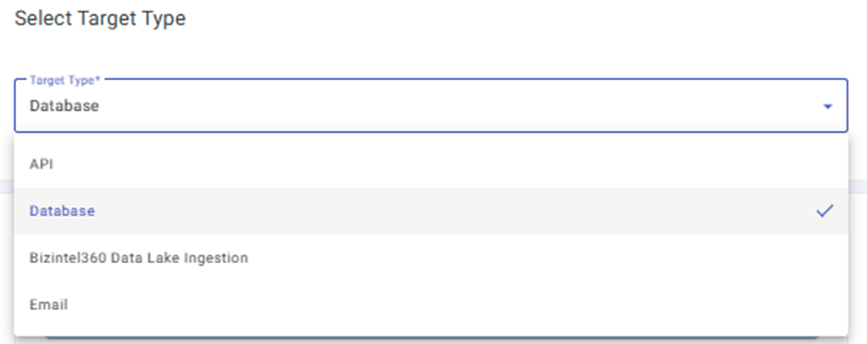
Step 2: Select Storage Name
The user can select their preferred storage by choosing from the options listed under Select Storage Name.
Step 3: Version
Upon selecting the Storage Name, users will be presented with another dropdown menu to select the version.
Step 4: Host IP
The user needs to add the Host IP address associated with their database for establishing a seamless connection.
Step 5: Port Number
Users have the option to specify the port number pertinent to their database to establish a connection.
Step 6: Schema Name
Enter the schema name which contains the table where data is required to be inserted.
Step 7: Username
Enter the username linked to the database for authentication.
Step 8: Password
To access and authenticate the database, input the associated password.
Step 9: Order Set of Values (Tuple Key)